How Cloud Computing Protects Your Digital Life
Naapbooks Insights • Cloud Computing Security • 09 min read
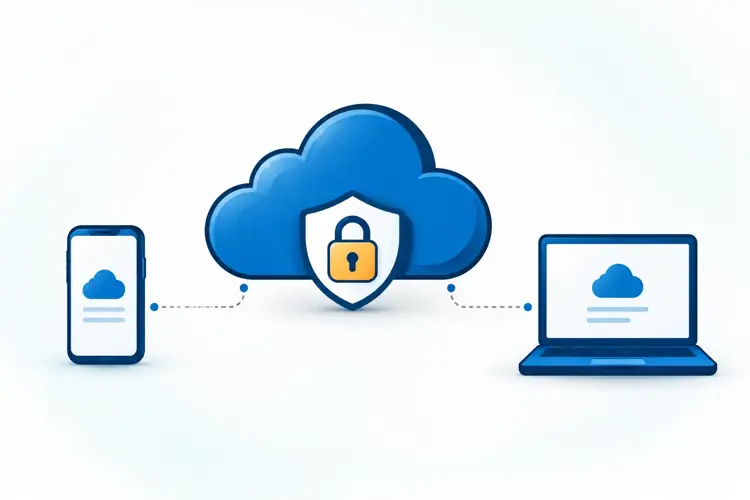
You check your bank balance, upload photos, and order groceries from your phone. Behind each of those actions, cloud computing is often doing quiet work. So a fair question is whether your information is safe there. That question is at the heart of cloud computing security.
This article explains how cloud computing supports your digital security, which risks remain, and what you can do to stay protected. You will see how encryption, secure access, backups, and monitoring work together, and which everyday habits make the biggest difference.
Definition: Cloud Computing
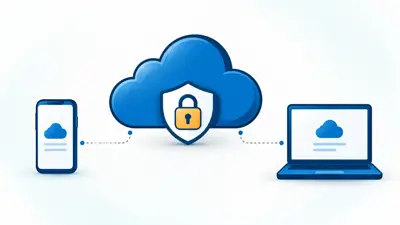
Cloud computing means using computing services, such as storage, software, and processing power, over the internet instead of on your own device. A provider runs the systems, and you reach them online.
Quick Answer: How does cloud computing protect data?
Cloud computing protects data through encryption, secure access controls, backups, and security monitoring. Your own habits still matter, because weak passwords and phishing can undermine even well protected systems.
Why Cloud Computing Security Matters in Everyday Life
Your digital life holds money, memories, work files, and personal details. If that information is lost or stolen, the damage can be serious and stressful. Most people store something important online, even if they never think of it as "the cloud."
Cloud services are built to protect this information. Still, protection works best when users do their part. A provider can secure its systems, but it cannot choose a strong password for you or spot every fake email you receive.
Knowing both sides helps you make safer choices. This guide covers what providers do, what you should do, and where problems tend to start.
How We Use Cloud Computing Daily
You probably use the cloud more than you realize. Many of the apps and websites you open every day rely on remote systems to store information and process requests. Here are three common areas.
Online Banking and Digital Payments
Many online banking and digital payment services depend on cloud computing to run. When you transfer money or pay a bill, your request travels over the internet to systems that process it. Because money is involved, security is a central concern for these services. It is also a reason to protect your own login details carefully.
Cloud Storage and File Sharing
When you save photos or documents to an online drive, they are stored on remote systems, not just on your phone or laptop. This lets you open files from different devices and share them with other people. It also means your files depend on how well the service is protected. This is why cloud storage security matters for personal files as much as for business ones.
Social Media and Online Shopping
Social media apps store your profile, posts, and messages online. Shopping sites keep your account details, orders, and sometimes payment information. These platforms hold a lot of personal data, which is why protecting your account matters. A single weak password on one of these accounts can expose more than you expect.
How Cloud Computing Security Protects Our Data
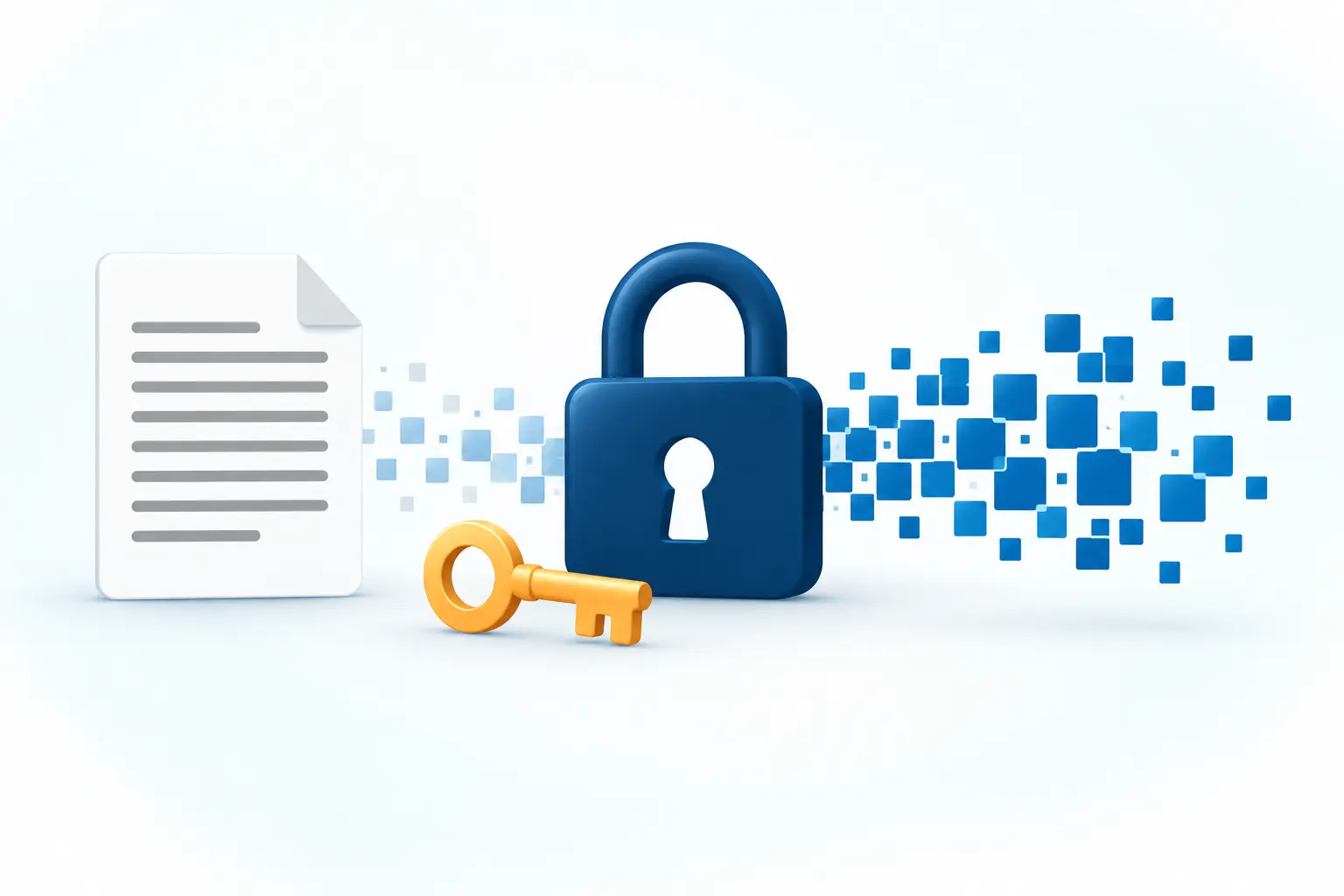
So how does cloud computing keep your data safe? Cloud security works in layers. No single tool does everything. Together, these layers reduce the chance that something goes wrong, and they limit the harm if it does.
Data Encryption
Encryption scrambles information into unreadable code. Only someone with the right key can turn it back into something readable. If encrypted data is intercepted, it should be much harder for an outsider to use. Cloud data encryption is one of the main ways providers protect what you store and send.
Secure Access and Authentication
Authentication is how a system confirms you are really you. This usually starts with a password. Many services add extra steps, such as a code sent to your phone. These checks help keep the wrong people out of your account.
Data Backups and Recovery
A backup is a saved copy of your data. If a file is deleted by mistake or a device fails, a backup lets you restore it. Backups support recovery, which means getting back to normal after a problem. This protects you from loss, not only from theft.
Security Monitoring and Threat Detection
Security monitoring means watching systems for unusual activity. Threat detection means spotting signs of an attack, such as repeated failed login attempts. Finding problems early gives providers a chance to respond sooner.
Protection Layers at a Glance
| Protection | What it does | Why it matters to you |
|---|---|---|
| Encryption | Makes data unreadable without a key | Helps keep information private |
| Authentication | Confirms who is signing in | Helps block unwanted access |
| Backups | Keeps copies of data | Helps you recover lost files |
| Monitoring | Watches for unusual activity | Helps catch problems early |
How the Layers Work Together
Each layer covers a different weakness. Encryption protects the data itself. Authentication protects the door. Backups protect against loss. Monitoring watches for trouble that slips past the other layers. If one layer fails, the others still offer some protection. That is why security experts talk about layers rather than a single fix.
Is Cloud Computing Secure? Common Cloud Security Risks
Cloud computing is built with security in mind, but risks remain. No online service is free of risk. Knowing the main ones is the first step to avoiding them.
Phishing and Stolen Passwords
Phishing is when someone tricks you into sharing sensitive information, often through a fake email or message. A stolen password can give an attacker the same access you have. This risk comes from human behavior, not only from technology, which is why user awareness is part of cloud security.
Data Breaches
A data breach happens when information is exposed to people who should not see it. Breaches can affect personal data held by a service. Strong provider security reduces this risk, but it cannot remove it completely. This article does not cite specific incidents or figures, so none are claimed here.
Unauthorized Access
Unauthorized access means someone enters an account or system without permission. It can follow a stolen password or a weak sign in setup. Strong authentication is one of the main defenses.
Cloud Security: Benefits and Limits
Pros
- Encryption helps protect data from being read by outsiders.
- Authentication checks help control who can sign in.
- Backups make recovery possible after loss.
- Monitoring helps catch unusual activity early.
Cons
- Phishing can trick users even when systems are strong.
- Data breaches remain a risk.
- Unauthorized access can follow weak or stolen passwords.
- You depend on your provider's protections.
Cloud Security Best Practices for Everyday Users
Providers handle one part of security, and you handle the other. These cloud security best practices are simple, and they make a real difference.
Use Strong Passwords and Multi-Factor Authentication
Choose long, unique passwords for each account. Turn on multi-factor authentication (MFA) where it is offered. MFA asks for a second proof of identity, so a stolen password alone is not enough.
Keep Software Updated
Update your apps, browsers, and devices regularly. Updates often include security fixes. Skipping them can leave known weaknesses open.
Choose Trusted Cloud Service Providers
Pick a trusted cloud service provider with a good reputation and clear security information. Look for visible details about how it protects data. Be cautious with unfamiliar services that explain little.
Avoid Suspicious Links and Emails
Do not click links or open attachments from senders you do not know. Be careful with messages that create urgency or ask for passwords. When unsure, go to the service directly instead of using the link.
How to Protect Your Cloud Accounts: Step by Step
If you want a simple order of action, work through these steps for each important account.
- Create a strong, unique password. A different password for each account stops one leak from opening several doors.
- Turn on multi-factor authentication. This adds a second check beyond your password.
- Update your apps and devices. Updates often fix known security problems.
- Review your provider. Check that it shares clear information about how it protects data.
- Stay alert to messages. Check the sender before you click, and visit the service directly when something looks odd.
Cloud Security Checklist
- ☐ Use a unique, strong password for each cloud account
- ☐ Turn on multi-factor authentication
- ☐ Update your apps and devices regularly
- ☐ Review the reputation of any new cloud provider
- ☐ Check senders before clicking links or opening attachments
Common Mistakes to Avoid
- Reusing the same password. One stolen password can then open several accounts.
- Skipping MFA because it feels slow. It adds a few seconds but adds protection.
- Ignoring update reminders. Delays can leave security gaps open.
- Clicking links in unexpected messages. This is a common way phishing works.
- Signing up with unknown providers. Weak transparency makes it harder to judge safety.
The Future of Cloud Security

Cloud security keeps changing. Three directions stand out, described here in general terms. No figures or timelines are claimed.
- AI-powered threat detection. Artificial intelligence can help spot unusual patterns faster than manual checks.
- Automated security monitoring. Automation can watch systems continuously and flag issues for a response.
- Growing importance of data privacy. People increasingly care about how their data is collected, stored, and used.
New tools do not remove the need for careful users. Safe habits will stay important, even as detection and monitoring improve.
Conclusion
Cloud computing security supports your digital life through encryption, secure access, backups, and monitoring. These layers help protect the banking, storage, social media, and shopping services you use every day.
Risks such as phishing, breaches, and unauthorized access remain, and many of them depend on user behavior. Use strong passwords, turn on MFA, keep software updated, choose trusted providers, and stay alert to suspicious messages. Good tools and good habits work best together.
Key Takeaways
- Cloud computing means using computing services over the internet instead of only on your own device.
- You use it daily in banking, storage, social media, and shopping.
- Main protections are encryption, secure access, backups, and monitoring.
- Key risks are phishing, stolen passwords, data breaches, and unauthorized access.
- Strong passwords, MFA, updates, trusted providers, and caution with links all reduce risk.
- AI detection and automated monitoring are expected to shape the future of cloud security.