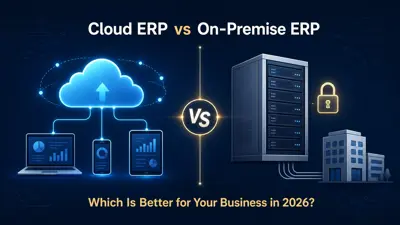
Cloud ERP vs On-Premise ERP: Best Choice for 2026?
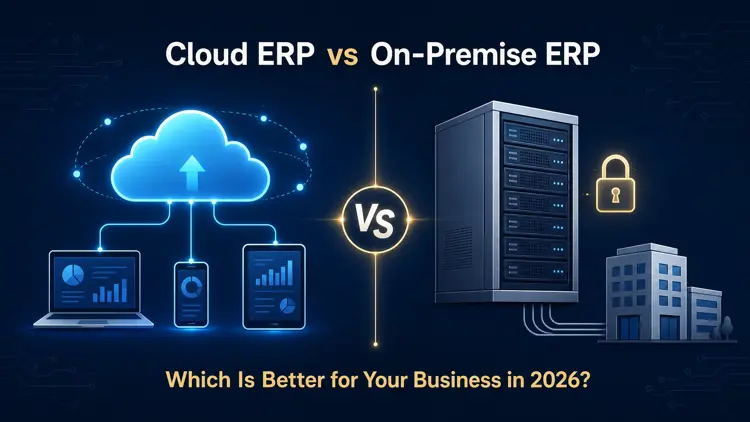
Naapbooks Insights • Cloud ERP vs On-Premise ERP • 9 min read
Picture a mid-sized manufacturing company with three warehouses, a growing remote sales team, and a finance department still reconciling spreadsheets exported from a decade-old system. Every quarter, IT costs climb a little higher. Every new hire needs a laptop configured to reach an on-site server never designed for remote access. Meanwhile, leadership wants AI-driven forecasting, but data scattered across disconnected systems isn't structured well enough to support it.
This scenario plays out across organizations heading into 2026. Rising complexity, distributed teams, growing data volumes, tighter cybersecurity expectations, and pressure to automate are pushing leaders to ask a fundamental question: keep running ERP software on-premise, or move toward Cloud ERP?
There is no universal answer. The right choice depends on your industry, budget, regulatory obligations, IT capabilities, and long-term strategy. This guide walks through the real trade-offs cost, security, scalability, customization, and AI readiness so you can make an informed ERP deployment decision rather than follow a trend.
What Is Cloud ERP?
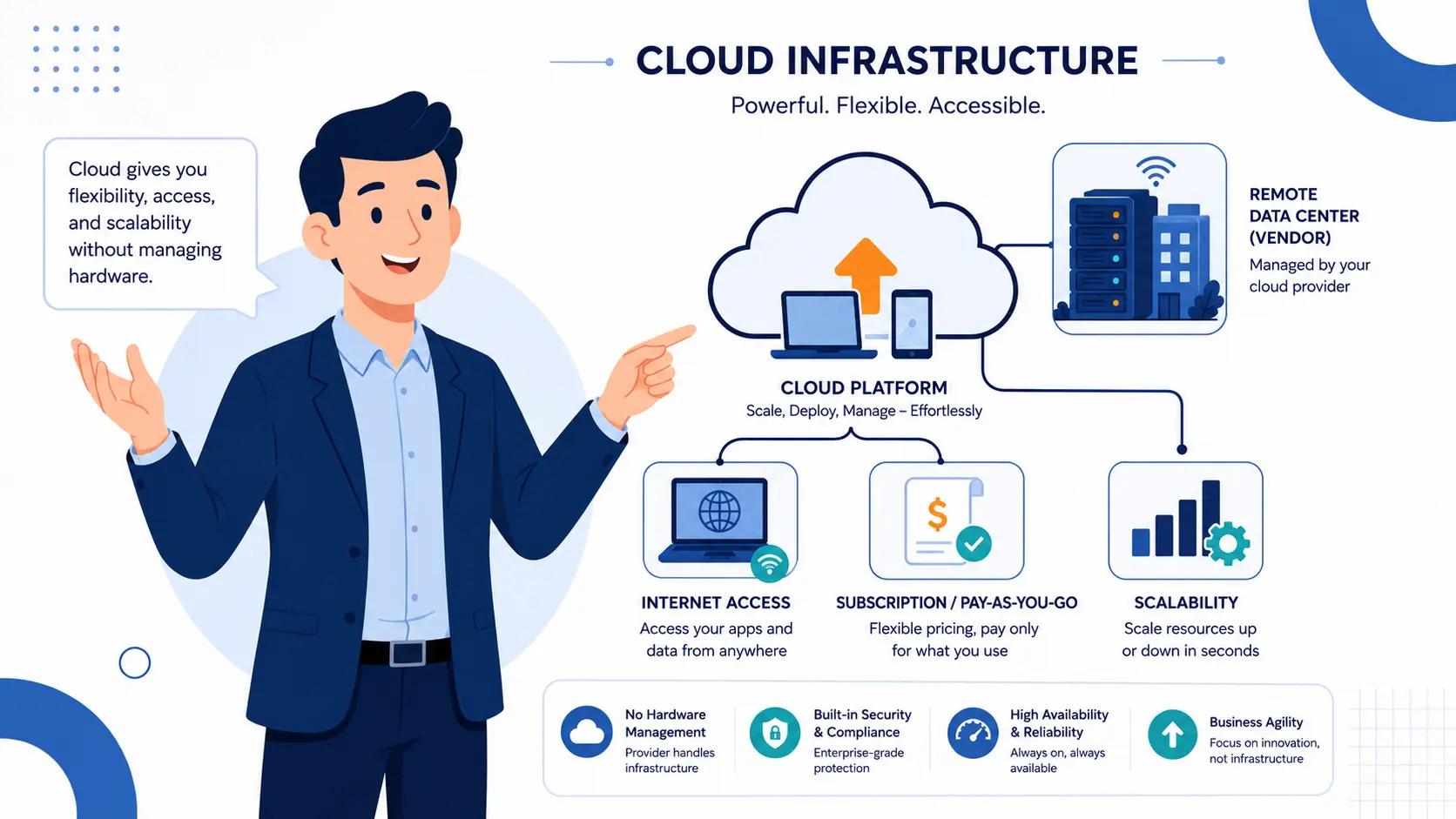
Cloud ERP is enterprise resource planning software hosted on a vendor's infrastructure and accessed over the internet, typically through a subscription. Instead of purchasing servers and installing software internally, your organization connects to the provider's environment, and the vendor maintains the hardware, network, and much of the software lifecycle.
Common characteristics of cloud-based ERP include:
- Vendor-managed infrastructure, reducing the burden on internal IT
- Subscription-based pricing, often billed per user or module
- Automatic or vendor-scheduled updates without manual upgrade projects
- Remote accessibility from any location with an internet connection
- Built-in ERP integration through APIs and pre-built connectors
- Real-time data visibility across departments
- Native or add-on analytics and AI-enabled capabilities
Not all cloud ERP is architected the same way. SaaS ERP typically runs on a multi-tenant model, where many customers share application infrastructure while data stays logically separated. Some vendors also offer single-tenant or private cloud deployments with dedicated infrastructure at a higher cost. These distinctions matter because pricing, customization limits, security responsibilities, and upgrade cadence vary between them assuming every cloud ERP product behaves identically is a common buyer mistake.
What Is On-Premise ERP?
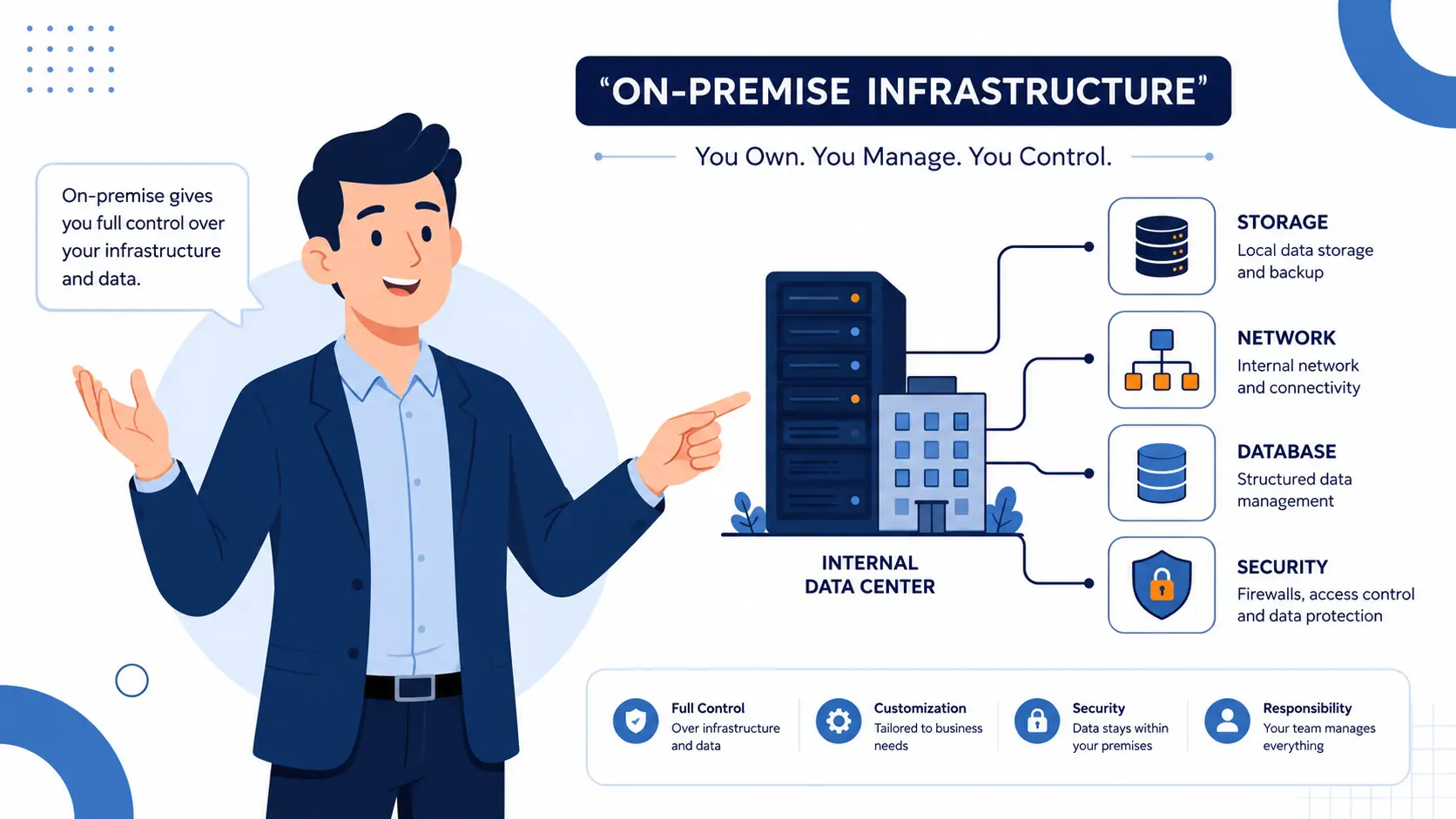
On-premise ERP (sometimes written on-premises ERP) runs on infrastructure your organization owns or directly controls, typically an internal data center or colocation facility. Your IT team handles servers, storage, networking, database administration, and security configuration.
Key characteristics include:
- Hardware and data-center investment, owned or leased
- Internal IT ownership of maintenance, patching, and upgrades
- Perpetual or term-based licensing, often with separate maintenance fees
- Direct control over ERP customization, source systems, and integration architecture
- Full responsibility for backup and disaster recovery
- Data physically residing on infrastructure the organization controls
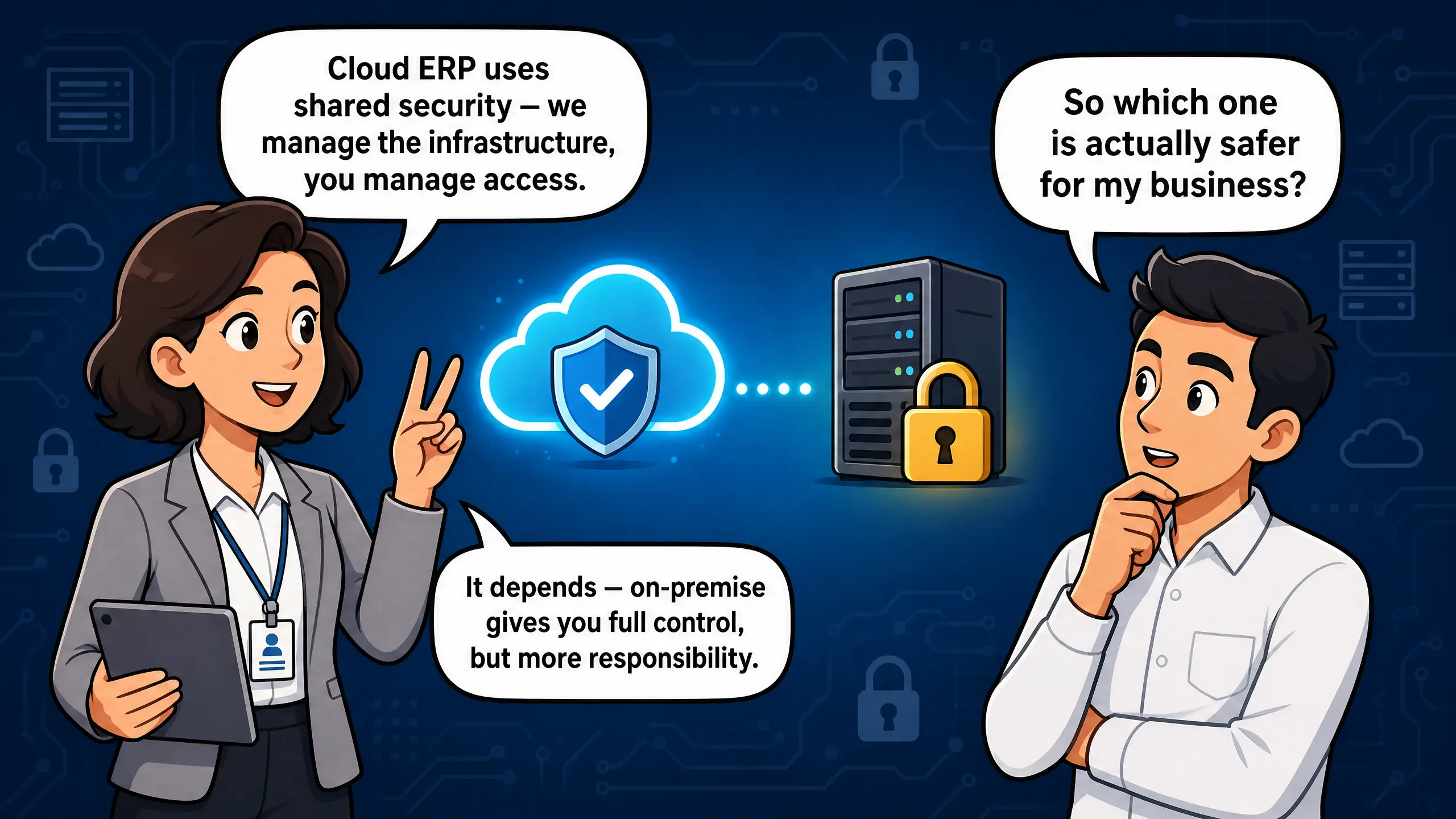
A common misconception is that on-premise systems are inherently more secure simply because data never leaves the building. That's not accurate. Security depends on how well the organization implements access controls, encryption, patching, monitoring, and governance not on physical location. The reverse is also true: cloud deployment does not automatically guarantee strong security. Both models can be secure or vulnerable depending on execution.
Cloud ERP vs On-Premise ERP: Key Differences
The table below summarizes how the two models generally compare; actual results vary by vendor, edition, and configuration.
| Factor | Cloud ERP | On-Premise ERP |
|---|---|---|
| Deployment | Vendor-hosted, internet-accessed | Customer-hosted, internal infrastructure |
| Upfront investment | Typically lower | Typically higher |
| Recurring cost | Ongoing subscription fees | Licensing, maintenance, and staffing costs |
| Infrastructure | Managed by vendor | Managed by the organization |
| Maintenance | Largely handled by provider | Handled by internal IT |
| Updates | Frequent, vendor-driven | Scheduled, customer-driven upgrade projects |
| Scalability | Generally elastic and rapid | Often requires additional hardware planning |
| Accessibility | Available from any location | May require VPN or on-site access |
| Customization | Configuration-focused, some limits | Deep customization possible |
| Security responsibility | Shared between vendor and customer | Primarily the organization's responsibility |
| Data control | Vendor governs underlying infrastructure | Organization retains full infrastructure control |
| Disaster recovery | Often included in vendor SLAs | Must be built and maintained internally |
| Implementation | Faster in many cases | Can involve longer setup and configuration |
| IT requirements | Lower internal infrastructure burden | Requires dedicated internal expertise |
| Integration | API-driven, often standardized | Custom-built, varies by legacy system |
| AI readiness | Often built-in, varies by vendor | Frequently requires additional investment |
| Long-term flexibility | Tied to vendor roadmap | Greater architectural independence |
It's tempting to reduce this comparison to a single claim, such as "cloud ERP is always cheaper." That oversimplifies reality. Cloud ERP can reduce upfront infrastructure spending and internal maintenance responsibility, but recurring subscription fees, implementation costs, data migration, customization, and long-term licensing must all be weighed through a proper Total Cost of Ownership analysis. The same caution applies to security claims in either direction.
Cloud ERP vs On-Premise ERP: Cost Comparison
Is Cloud ERP Cheaper Than On-Premise ERP?
Not always it depends on time horizon, user count, customization needs, and existing infrastructure investments. Cloud ERP often lowers upfront capital expenditure, while on-premise shifts more cost toward ongoing internal resources.
Cloud ERP costs typically include subscription fees, implementation, data migration, integration work, configuration, per-user licensing, training, and support plus possible charges for premium modules or analytics add-ons. These recurring costs continue for as long as the business uses the platform.
On-premise ERP costs typically include software licenses, servers, storage, networking, data-center expenses, IT personnel, maintenance, periodic upgrades, security infrastructure, backup systems, disaster recovery, hardware refresh cycles, implementation, and customization work.
Because both models carry costs beyond the initial purchase, evaluate ERP total cost of ownership across a three-to-seven-year window rather than comparing sticker prices alone. A cloud subscription that looks inexpensive in year one may exceed an on-premise deployment's cost by year five at large user counts, or stay more economical if it eliminates a costly hardware refresh. This guide avoids universal figures, since costs vary by vendor, industry, and complexity.
Which Is More Secure: Cloud ERP or On-Premise ERP?
Deployment location alone does not determine ERP security. Outcomes depend on architecture, configuration, access governance, and organizational discipline in both models.
Cloud environments typically operate under a shared-responsibility model: the vendor secures the underlying infrastructure and data centers, while the customer manages identity, access permissions, and how data is used within the application. In an on-premise environment, the organization carries nearly the entire security burden itself, including network security, encryption, vulnerability management, and patch management.
Relevant considerations for either model include encryption, multi-factor authentication, role-based access control, continuous monitoring, timely patching, tested backup and disaster recovery, audit logging, and compliance with applicable regulatory frameworks.
A professionally managed cloud provider may offer capabilities continuous monitoring, redundant data centers, dedicated security teams that many mid-sized organizations would struggle to replicate internally. At the same time, some organizations have legitimate reasons to retain direct infrastructure control, such as data residency rules or existing certifications. Verify compliance and data-sovereignty requirements with qualified professionals, since no deployment model automatically satisfies regulatory requirements on its own.
Scalability and Business Growth
ERP scalability becomes critical as organizations add users, open new locations, expand internationally, or absorb acquisitions.
Cloud ERP platforms are generally built to scale elastically. Adding users, storage, or processing capacity often requires a configuration or licensing adjustment rather than a hardware purchase attractive for businesses expecting rapid or unpredictable growth.
On-premise ERP can still handle growth, but scaling typically requires proactive infrastructure planning additional servers, storage, or network upgrades which takes time and capital. For organizations with stable growth and spare capacity, this isn't necessarily a problem. Migrating solely for scalability, without clear justification, may not produce a strong return.
Customization and Control
On-premise ERP generally allows deeper customization, since organizations control the source environment and can modify code, workflows, and integrations extensively. Cloud ERP platforms tend to favor configuration over customization adjusting settings and extensions within vendor-supported boundaries rather than altering underlying code.
This matters for long-term maintainability. Extensive custom code in an on-premise system can create technical debt that complicates future upgrades or migration. Cloud platforms limit certain customization types partly to preserve compatibility with frequent updates. Organizations with highly specialized workflows should evaluate whether a target platform's configuration options and API-based ERP integration capabilities can genuinely accommodate those needs before assuming customization limits are a dealbreaker.
AI-Automation and ERP in 2026
AI-powered ERP capabilities have become a meaningful differentiator heading into 2026. Modern platforms increasingly incorporate predictive analytics, generative AI for reporting, demand forecasting, supply-chain optimization, workflow automation, and in some cases early agentic capabilities that execute defined tasks under human oversight.
These capabilities are not distributed evenly. AI features vary by vendor, edition, and deployment model some are native, while others depend on additional cloud services or third-party integrations. Before treating AI as a selection criterion, evaluate whether functionality is genuinely built into the core platform, whether it requires specific cloud infrastructure, how the vendor handles data governance, the integration and cost implications, and what level of human oversight the organization intends to maintain.
Enterprise software trends increasingly tie meaningful AI functionality to well-governed business data on modern, frequently updated platforms one reason ERP architecture matters to AI strategy. Migrating purely because AI is fashionable, without a defined use case or ROI justification, is a poor basis for a major decision.
Cloud ERP vs On-Premise ERP for Different Businesses
Which ERP Is Better for a Growing Business?
Cloud ERP tends to fit fast-growing companies, distributed teams, businesses opening new locations, companies minimizing infrastructure responsibility, and organizations prioritizing scalability and frequent innovation.
On-premise ERP tends to fit organizations with substantial existing infrastructure, businesses requiring highly specialized customization, companies under data-sovereignty or connectivity constraints, strong internal IT capability, and cases where migration would introduce disproportionate risk.
These are conditional starting points, not rules an enterprise might choose cloud ERP for some units while keeping others on-premise.
Should You Migrate From On-Premise ERP to Cloud ERP in 2026?
Migration may make sense when a legacy system is nearing end of vendor support, infrastructure costs keep climbing, upgrades are risky, remote access is limited, scalability is constrained, integrations are fragmented, or the organization needs automation and AI capabilities the current platform can't support.
Migration may not be appropriate yet when the system carries mission-critical customizations costly to rebuild, regulatory constraints limit where data can reside, data quality issues would complicate migration, integration dependencies are extensive and undocumented, change-management readiness is lacking, or disruption risk outweighs the expected benefit.
Before committing to an ERP migration, conduct a structured readiness assessment covering data quality, integration dependencies, customization complexity, compliance requirements, and change-management capacity.
A Practical ERP Decision Framework for 2026
Rather than starting with a deployment preference, evaluate both models against these requirements:
- Expected business growth
- Internal IT capabilities
- Available budget
- Total Cost of Ownership over three to seven years
- Security requirements
- Regulatory and compliance obligations
- Data-sovereignty requirements
- Depth of customization required
- Integration complexity
- Scalability needs
- Remote access requirements
- AI and automation priorities
- Disaster recovery expectations
- Tolerance for vendor dependence
- Migration complexity and risk
- Long-term technology strategy
Score both models against these factors based on actual requirements, not general preference, before choosing.
Common Mistakes to Avoid
- Choosing a model based only on upfront cost
- Assuming cloud ERP is automatically more secure
- Assuming on-premise ERP is automatically more secure
- Ignoring Total Cost of Ownership in favor of sticker price
- Underestimating migration costs and timelines
- Over-customizing in ways that create long-term technical debt
- Overlooking integration requirements with existing tools
- Skipping data-governance evaluation before migration
- Ignoring future scalability needs when selecting a platform
- Migrating without cleaning up legacy data first
- Treating AI as a migration reason without a clear ROI case
- Ignoring vendor lock-in risk
- Underinvesting in change management during implementation
- Choosing technology before defining business requirements
Final Verdict: Which Is Better in 2026?
There is no single correct answer to Cloud ERP vs On-Premise ERP for every organization. Cloud ERP is generally the stronger fit for organizations prioritizing scalability, managed infrastructure, remote accessibility, continuous innovation, and modern integrations. On-Premise ERP can remain the better choice when infrastructure control, existing capital investments, specialized customization, data-sovereignty requirements, or operational constraints outweigh cloud's advantages.
The right decision depends on business requirements, Total Cost of Ownership, security posture, compliance obligations, scalability needs, internal IT capability, and long-term strategy not on which model is trending. Before selecting or migrating to a new ERP solution, conduct a structured assessment involving finance, IT, security, and compliance stakeholders, and verify regulatory or data-sovereignty requirements with qualified professionals in your jurisdiction. A decision this consequential deserves a process, not a guess.